
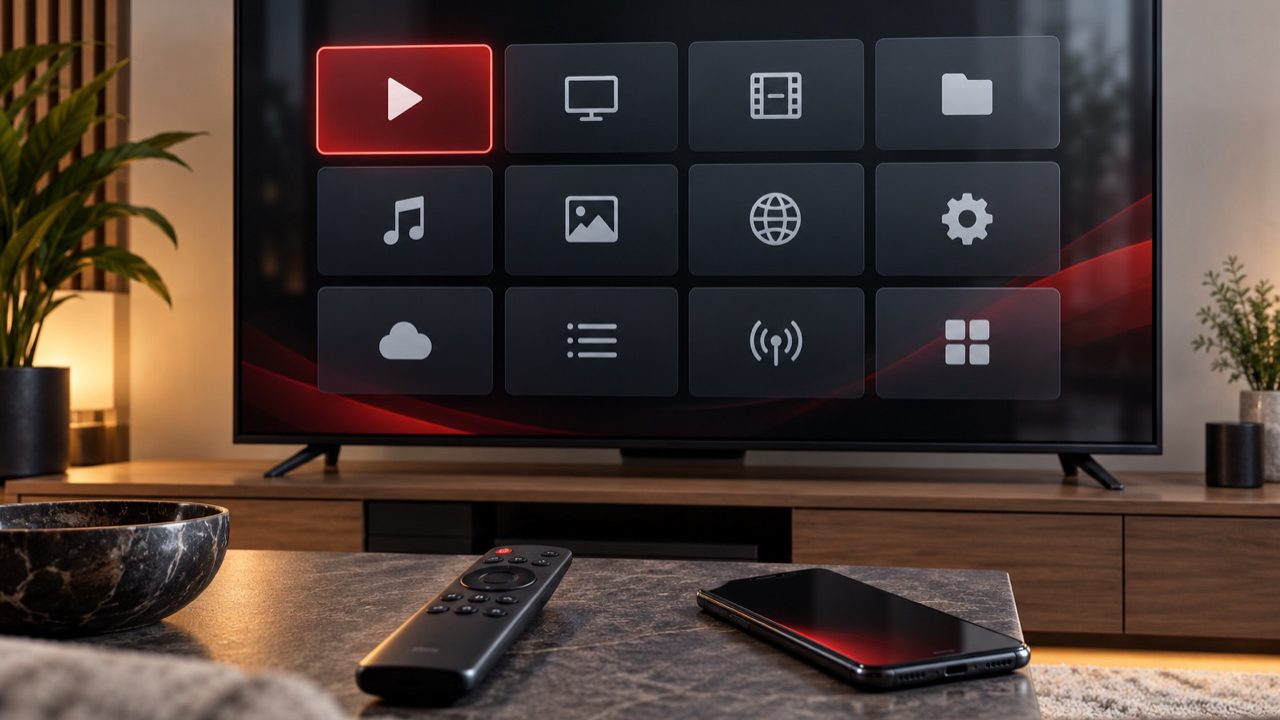
An IPTV subscription and an IPTV player are two different parts of the viewing setup. Streamova supplies access details and support, while a compatible player app provides the interface used to browse channels and on-demand content on your device.
The best app is therefore not simply the one with the longest feature list. It is the one that runs reliably on your device, accepts the access format you receive and remains comfortable to use from the sofa.
Start with the device you already own
App availability differs between Smart TV brands, streaming boxes and mobile platforms. Begin by checking the official app store on the device rather than choosing an app on name alone.
Smart TVs
Samsung, LG and other Smart TV systems each use their own app stores. A player that is available on one television brand may not be offered on another. Confirm the exact TV operating system and model before paying for a premium player.
Fire TV and Android TV
These devices usually offer a wider choice of television-focused players. Use a reputable source, keep the device software current and avoid apps that request permissions unrelated to video playback.
Phones, tablets and computers
A mobile or desktop app can be useful for testing access details, but the interface may feel different from a television version. If the TV will be the main screen, evaluate the TV experience first.
Compare the features that matter every day
- Simple sign-in: the app should accept the access method supplied with your order.
- Clear navigation: channels, films, series and favourites should be easy to reach with a remote.
- EPG display: programme information should be readable where guide data is available.
- Search and favourites: these reduce the time spent scrolling through a large catalogue.
- Playback controls: audio, subtitle and aspect-ratio controls should be understandable.
- Updates: an actively maintained app is a safer long-term choice than an abandoned one.
Test before you settle on a player
If a trial version is available, use it to check remote-control navigation, channel changes and on-demand playback. A polished mobile screenshot does not guarantee a good ten-foot television interface.
When playback works in one app but not another on the same network, the player configuration is the likely place to investigate. When every app struggles, check the connection and device first. The streaming quality guide explains a practical troubleshooting order.
Keep access details private
Only enter subscription details into the player you intend to use. Do not post login information in public forums or screenshots. Remove an old device from your routine before giving it away, and contact support if access information may have been exposed.
Ask before buying the wrong app
Device models and app stores change. If you are unsure, check the supported device overview and tell Streamova support the exact device and operating system you use. That small detail makes app guidance much more useful.
Compare documented player options
There is no universal best player. Choose by platform, supported login format, television-remote usability and the publisher’s current licence terms. Always verify the exact store listing and publisher before installing.
| Player route | Documented platform and login support | EPG and control considerations | Licence and source |
|---|---|---|---|
| TiviMate | Android TV / Google TV; M3U playlists, Xtream Codes and Stalker portals. | Designed for television remotes; programme guide support depends on supplied data. | In-app purchases may apply. Use the Google Play listing. |
| IBO Player | Selected Smart TV and streaming-device platforms; playlist management is handled through the publisher’s route. | TV-focused interface; EPG requires guide data from the service. | The player does not supply channels. Check current platform and activation terms at IBO Player. |
| HotPlayer | The publisher documents selected Samsung, LG, Android TV, Fire TV and VIDAA support. | Availability and remote behaviour vary by exact model and app version. | Player activation is separate. Check the current device list at HotPlayer. |
| Smarters player route | Android, Apple, selected Smart TV and desktop routes are documented; M3U and API-style support varies by edition. | EPG and television-remote support depend on the edition and supplied guide data. | Names and publishers can be similar. Verify the platform-store listing; the Samsung listing documents one current TV route. |
Choose in this order
- Exact device, operating system, model and region.
- Official store or verified publisher availability.
- Support for the login format supplied by Streamova.
- Remote-control, touch or keyboard usability.
- EPG, favourites, subtitles and accessibility needs.
- Current player price, in-app purchases and privacy terms.
A third-party player licence is separate and is not included unless explicitly stated. Check device compatibility, use the installation hub, or follow the Firestick guide. If playback later becomes unstable, use the ordered buffering workflow.